
|
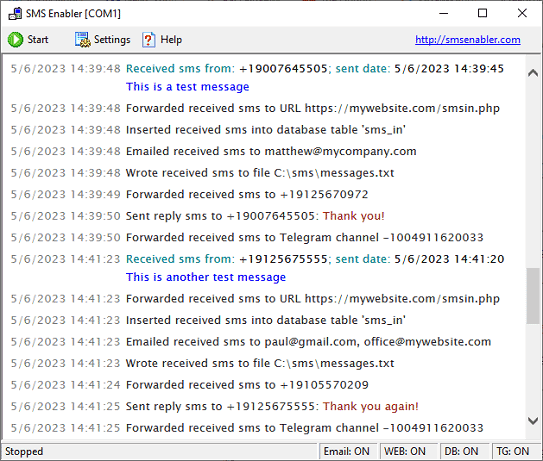
Screenshots Application window showing received SMS messages and actions taken upon reception of those messages
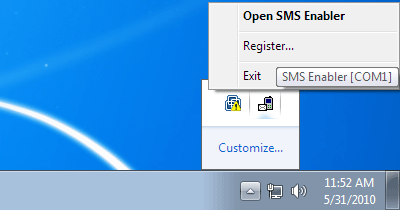
SMS Enabler system tray icon and menu in Windows 7 / 8 / 10.
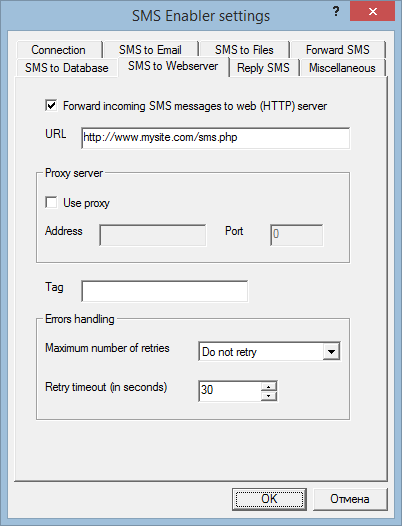
SMS to Web settings. These settings specify the URL of the script that will handle incoming SMS messages dispatched via HTTP.
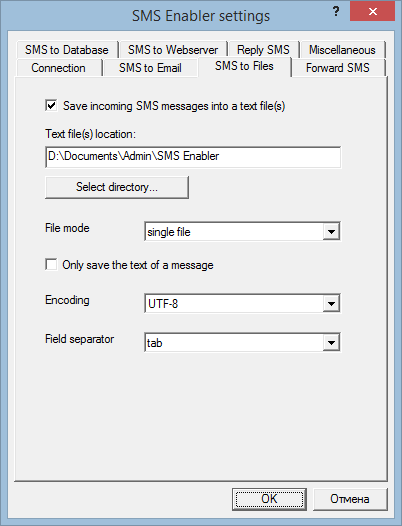
SMS to Files settings, which define how and where SMS Enabler should save incoming SMS messages as file(s).
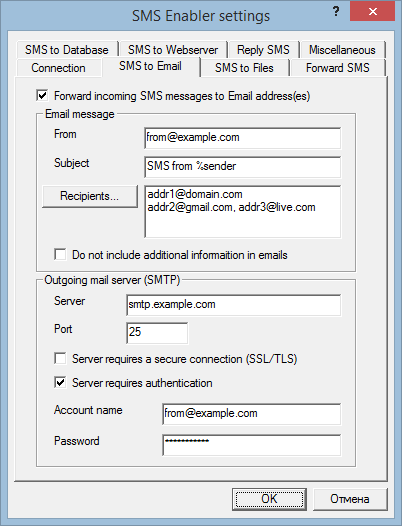
SMS to Email settings. These define to which address(es) SMS Enabler will email received SMS messages.
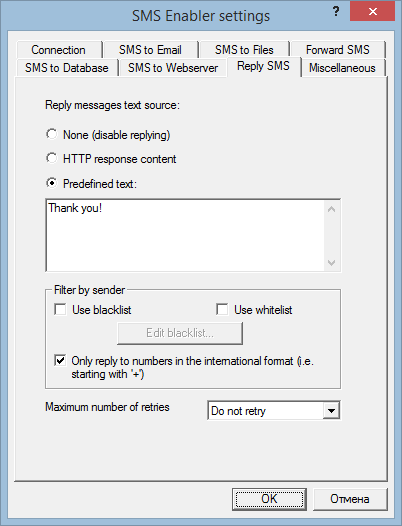
Reply SMS settings, which specify the source of reply SMS message content.
|
| Copyright © 2006-2023 Alexander Smirnov. All rights reserved. |